> ## Documentation Index
> Fetch the complete documentation index at: https://docs.keephq.dev/llms.txt
> Use this file to discover all available pages before exploring further.
# DB Authentication
For applications requiring user management and authentication, Keep supports basic authentication with username and password.
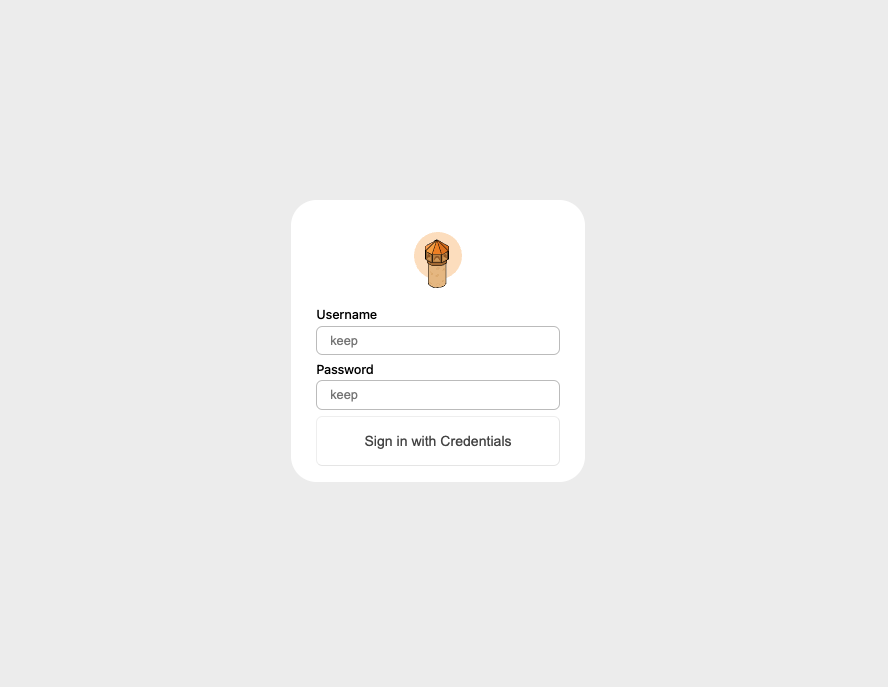 ### When to Use
* **Self-Hosted Deployments:** When you're deploying Keep for individual use or within an organization.
* **Enhanced Security:** Provides a simple yet effective layer of security for your Keep instance.
### Setup Instructions
To start Keep with DB authentication, set the following environment variables:
| Environment Variable | Description | Required | Frontend/Backend | Default Value |
| ------------------------------------- | :-------------------------------------: | :------: | :--------------: | :-----------: |
| AUTH\_TYPE | Set to 'DB' for database authentication | Yes | Both | - |
| KEEP\_JWT\_SECRET | Secret for JWT token generation | Yes | Backend | - |
| KEEP\_DEFAULT\_USERNAME | Default admin username | No | Backend | keep |
| KEEP\_DEFAULT\_PASSWORD | Default admin password | No | Backend | keep |
| KEEP\_FORCE\_RESET\_DEFAULT\_PASSWORD | Override the current admin password | No | Backend | false |
### Example configuration
Use the `docker-compose-with-auth.yml` for an easy setup, which includes necessary environment variables for enabling basic authentication.
### When to Use
* **Self-Hosted Deployments:** When you're deploying Keep for individual use or within an organization.
* **Enhanced Security:** Provides a simple yet effective layer of security for your Keep instance.
### Setup Instructions
To start Keep with DB authentication, set the following environment variables:
| Environment Variable | Description | Required | Frontend/Backend | Default Value |
| ------------------------------------- | :-------------------------------------: | :------: | :--------------: | :-----------: |
| AUTH\_TYPE | Set to 'DB' for database authentication | Yes | Both | - |
| KEEP\_JWT\_SECRET | Secret for JWT token generation | Yes | Backend | - |
| KEEP\_DEFAULT\_USERNAME | Default admin username | No | Backend | keep |
| KEEP\_DEFAULT\_PASSWORD | Default admin password | No | Backend | keep |
| KEEP\_FORCE\_RESET\_DEFAULT\_PASSWORD | Override the current admin password | No | Backend | false |
### Example configuration
Use the `docker-compose-with-auth.yml` for an easy setup, which includes necessary environment variables for enabling basic authentication.