> ## Documentation Index
> Fetch the complete documentation index at: https://docs.keephq.dev/llms.txt
> Use this file to discover all available pages before exploring further.
# Keycloak Authentication
Keep Cloud: ✅
Keep Enterprise On-Premises: ✅
Keep Open Source: ⛔️
Keep supports Keycloak in a "managed" way where Keep auto-provisions all resources (realm, client, etc.). Keep can also work with externally managed Keycloak. To learn how, please contact the team on [Slack](https://slack.keephq.dev).
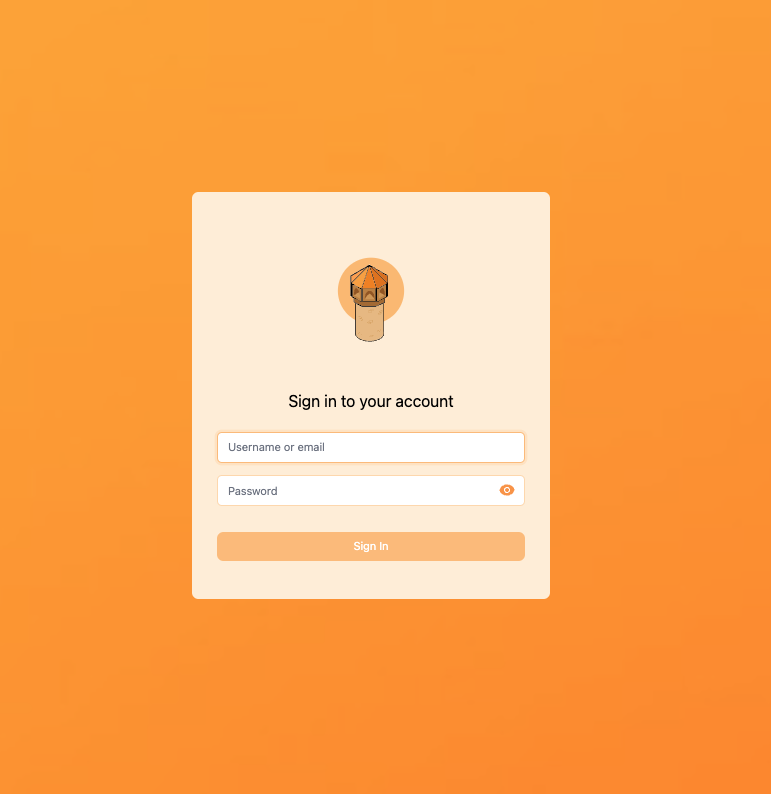
Keep integrates with Keycloak to provide a powerful and flexible authentication system for multi-tenant applications, supporting Single Sign-On (SSO) and SAML.
 ### When to Use
* **On Prem:** When deploying Keep on-premises and requiring a robust authentication system.
* **OSS:** If you prefer using open-source software for your authentication needs.
* **Enterprise Protocols:** When you need support for enterprise-level protocols like SAML and OpenID Connect.
* **Fully Customized:** When you need a highly customizable authentication solution.
* **RBAC:** When you require Role-Based Access Control for managing user permissions.
* **User and Group Management:** When you need advanced user and group management capabilities.
### Setup Instructions
To start Keep with Keycloak authentication, set the following environment variables:
#### Frontend Environment Variables
| Environment Variable | Description | Required | Default Value |
| -------------------- | -------------------------------------------------------------------------------------------------------------------------- | :------: | :------------------: |
| AUTH\_TYPE | Set to 'KEYCLOAK' for Keycloak authentication | Yes | - |
| KEYCLOAK\_ID | Your Keycloak client ID (e.g. keep) | Yes | - |
| KEYCLOAK\_ISSUER | Full URL to Your Keycloak issuer URL e.g. [http://localhost:8181/auth/realms/keep](http://localhost:8181/auth/realms/keep) | Yes | - |
| KEYCLOAK\_SECRET | Your Keycloak client secret | Yes | keep-keycloak-secret |
#### Backend Environment Variables
| Environment Variable | Description | Required | Default Value |
| ------------------------- | --------------------------------------------- | :------: | :--------------------------------------------------------: |
| AUTH\_TYPE | Set to 'KEYCLOAK' for Keycloak authentication | Yes | - |
| KEYCLOAK\_URL | Full URL to your Keycloak server | Yes | [http://localhost:8181/auth/](http://localhost:8181/auth/) |
| KEYCLOAK\_REALM | Your Keycloak realm | Yes | keep |
| KEYCLOAK\_CLIENT\_ID | Your Keycloak client ID | Yes | keep |
| KEYCLOAK\_CLIENT\_SECRET | Your Keycloak client secret | Yes | keep-keycloak-secret |
| KEYCLOAK\_ADMIN\_USER | Admin username for Keycloak | Yes | keep\_admin |
| KEYCLOAK\_ADMIN\_PASSWORD | Admin password for Keycloak | Yes | keep\_admin |
| KEYCLOAK\_AUDIENCE | Audience for Keycloak | Yes | realm-management |
### Example configuration
To get a better understanding on how to use Keep together with Keycloak, you can:
* See [Keycloak](https://github.com/keephq/keep/tree/main/keycloak) directory for configuration, realm.json, etc
* See Keep + Keycloak [docker-compose example](https://github.com/keephq/keep/blob/main/keycloak/docker-compose.yaml)
### When to Use
* **On Prem:** When deploying Keep on-premises and requiring a robust authentication system.
* **OSS:** If you prefer using open-source software for your authentication needs.
* **Enterprise Protocols:** When you need support for enterprise-level protocols like SAML and OpenID Connect.
* **Fully Customized:** When you need a highly customizable authentication solution.
* **RBAC:** When you require Role-Based Access Control for managing user permissions.
* **User and Group Management:** When you need advanced user and group management capabilities.
### Setup Instructions
To start Keep with Keycloak authentication, set the following environment variables:
#### Frontend Environment Variables
| Environment Variable | Description | Required | Default Value |
| -------------------- | -------------------------------------------------------------------------------------------------------------------------- | :------: | :------------------: |
| AUTH\_TYPE | Set to 'KEYCLOAK' for Keycloak authentication | Yes | - |
| KEYCLOAK\_ID | Your Keycloak client ID (e.g. keep) | Yes | - |
| KEYCLOAK\_ISSUER | Full URL to Your Keycloak issuer URL e.g. [http://localhost:8181/auth/realms/keep](http://localhost:8181/auth/realms/keep) | Yes | - |
| KEYCLOAK\_SECRET | Your Keycloak client secret | Yes | keep-keycloak-secret |
#### Backend Environment Variables
| Environment Variable | Description | Required | Default Value |
| ------------------------- | --------------------------------------------- | :------: | :--------------------------------------------------------: |
| AUTH\_TYPE | Set to 'KEYCLOAK' for Keycloak authentication | Yes | - |
| KEYCLOAK\_URL | Full URL to your Keycloak server | Yes | [http://localhost:8181/auth/](http://localhost:8181/auth/) |
| KEYCLOAK\_REALM | Your Keycloak realm | Yes | keep |
| KEYCLOAK\_CLIENT\_ID | Your Keycloak client ID | Yes | keep |
| KEYCLOAK\_CLIENT\_SECRET | Your Keycloak client secret | Yes | keep-keycloak-secret |
| KEYCLOAK\_ADMIN\_USER | Admin username for Keycloak | Yes | keep\_admin |
| KEYCLOAK\_ADMIN\_PASSWORD | Admin password for Keycloak | Yes | keep\_admin |
| KEYCLOAK\_AUDIENCE | Audience for Keycloak | Yes | realm-management |
### Example configuration
To get a better understanding on how to use Keep together with Keycloak, you can:
* See [Keycloak](https://github.com/keephq/keep/tree/main/keycloak) directory for configuration, realm.json, etc
* See Keep + Keycloak [docker-compose example](https://github.com/keephq/keep/blob/main/keycloak/docker-compose.yaml)