> ## Documentation Index
> Fetch the complete documentation index at: https://docs.keephq.dev/llms.txt
> Use this file to discover all available pages before exploring further.
# Push vs Pull alerts
There are primarily two ways to get alerts into Keep:
We strongly recommend using the push method for alerting, as pulling does not
include a lot of the features, like workflow automation. It is mainly used for
a quick way to get alerts into Keep and start exploring the value.
### Push
When you connect a [Provider](/providers), Keep automatically instruments the tools to send alerts to Keep via webhook.
As an example, when you connect Grafana, Keep will automatically create a new Webhook contact point in Grafana, and a new Notification Policy to send all alerts to Keep.
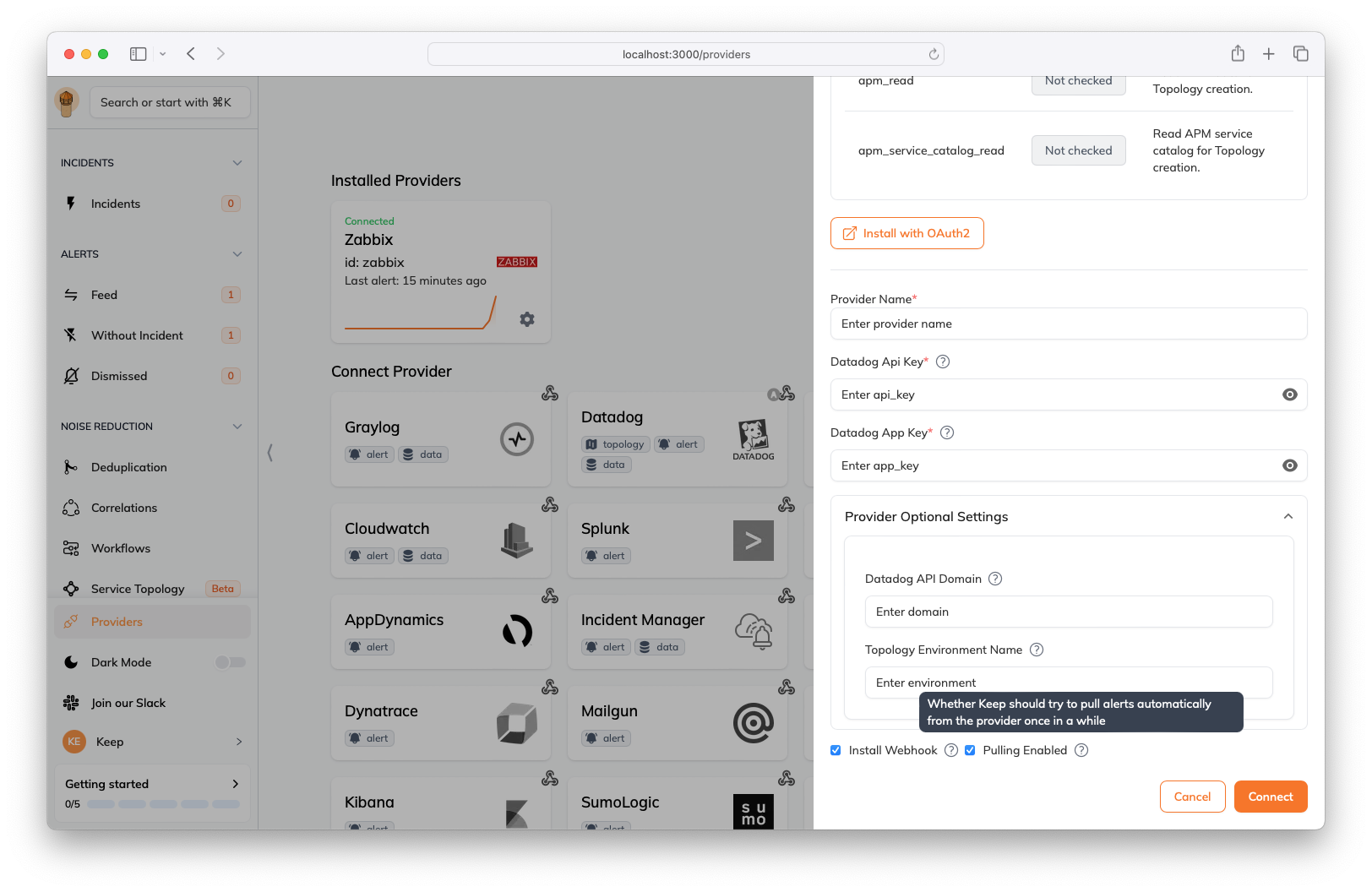
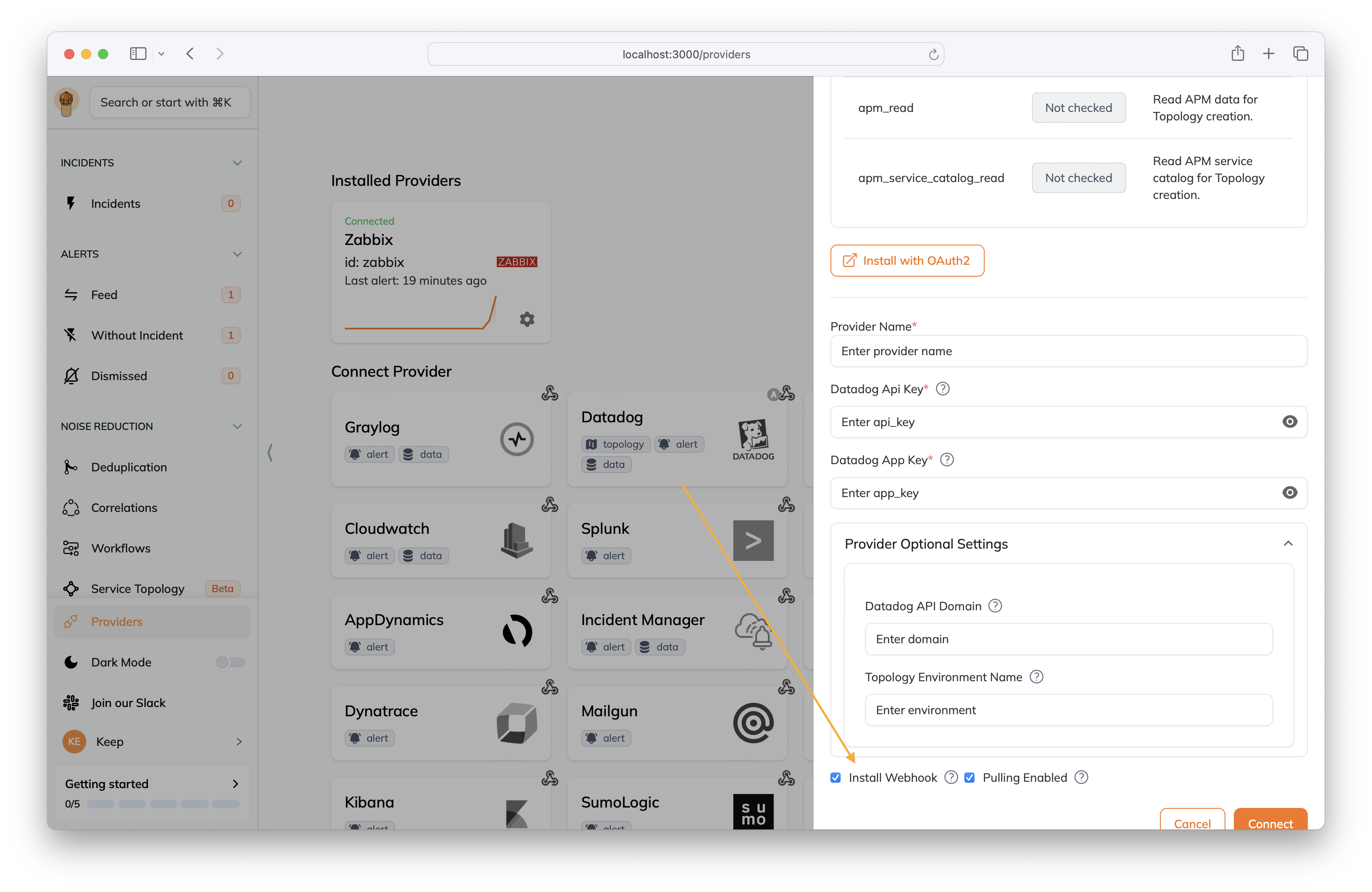
You can configure which providers you want to push from by checking the `Install Webhook` checkbox in the provider settings.
 ### Pull
When you connect a [Provider](/providers), Keep will start pulling alerts from the tool automatically.
Pulling interval is defined by the `KEEP_PULL_INTERVAL` environment variable and defaults to 7 days (in minutes) and can be completely turned off by using the `KEEP_PULL_DATA_ENABLED` environment variable.
You can also configure which providers you want to pull from by checking the `Pulling Enabled` checkbox in the provider settings.
### Pull
When you connect a [Provider](/providers), Keep will start pulling alerts from the tool automatically.
Pulling interval is defined by the `KEEP_PULL_INTERVAL` environment variable and defaults to 7 days (in minutes) and can be completely turned off by using the `KEEP_PULL_DATA_ENABLED` environment variable.
You can also configure which providers you want to pull from by checking the `Pulling Enabled` checkbox in the provider settings.